
Dynamics 365 Customer Engagement
Microsoft Dynamics 365 Contact CenterKeep the conversation connected.
Bring voice, digital conversations and intelligent routing into a connected contact centre. Dynamics 365 Contact Center can work with your existing CRM, with self-service and assistance for representatives.

A few organizations we've worked with























Features & benefits
Connect conversations across channels.
Dynamics 365 Contact Center is Microsoft’s cloud contact-centre application for voice and digital engagement, routing, self-service and operational insight. It can connect with Dynamics 365 or another CRM.
Microsoft Dynamics 365 Contact Center
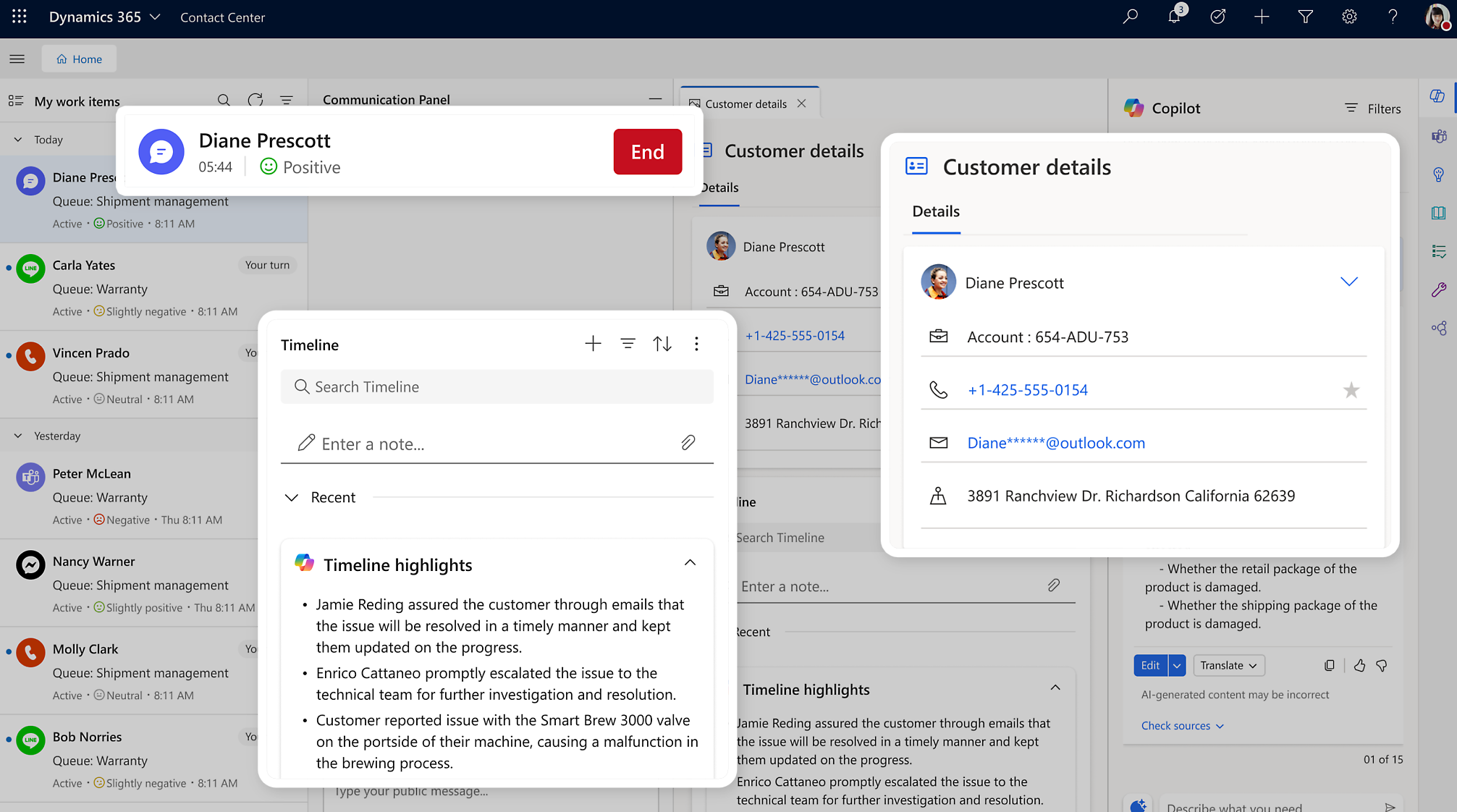
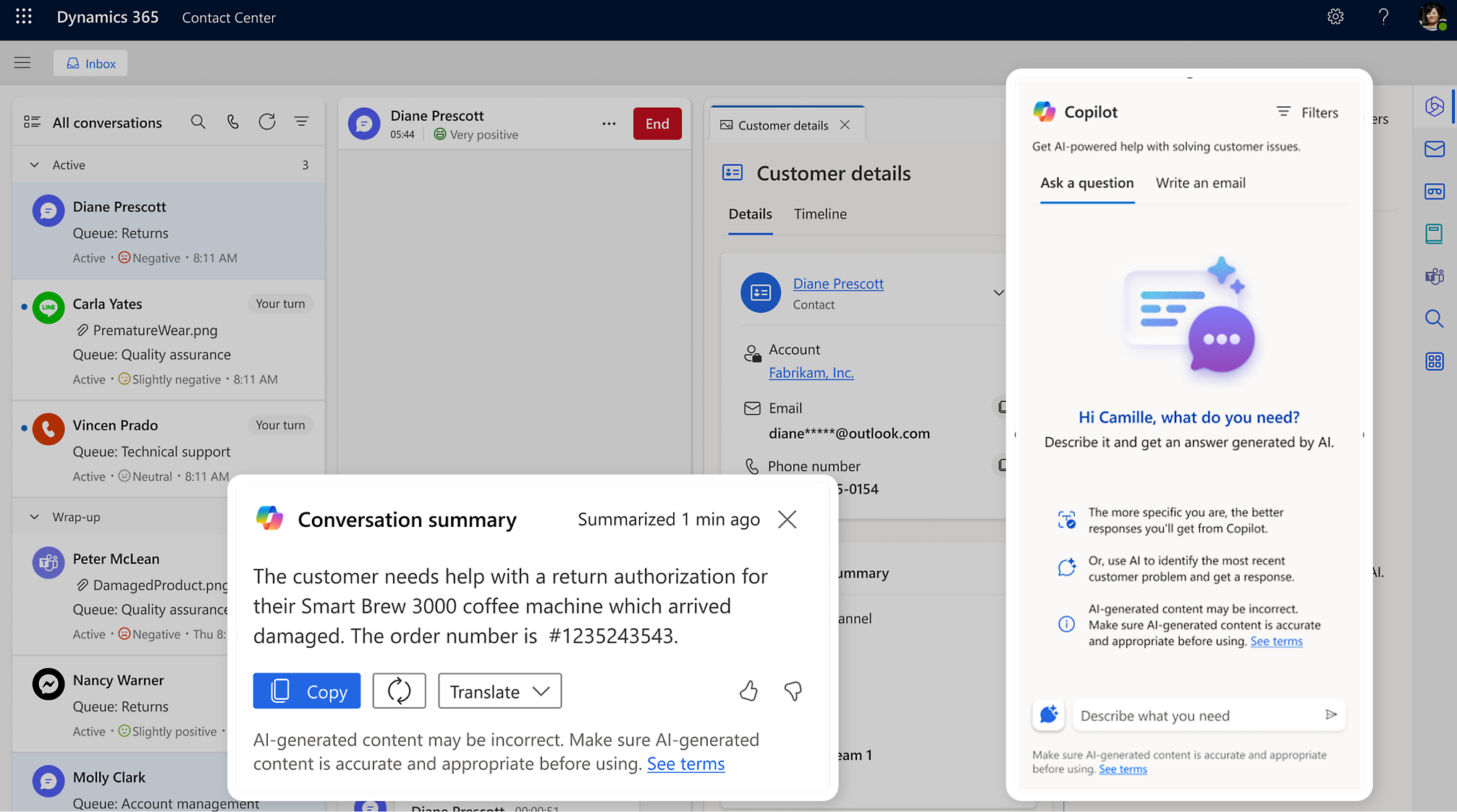
Representative assistance
Use supported summaries, suggested responses and knowledge assistance.
Keep attention on the customer conversation.
Feature details
- Bring conversation summaries into the workspace.
- Keep people responsible for reviewing suggested responses.
 Enlarge screenshot
Microsoft Dynamics 365 Contact Center
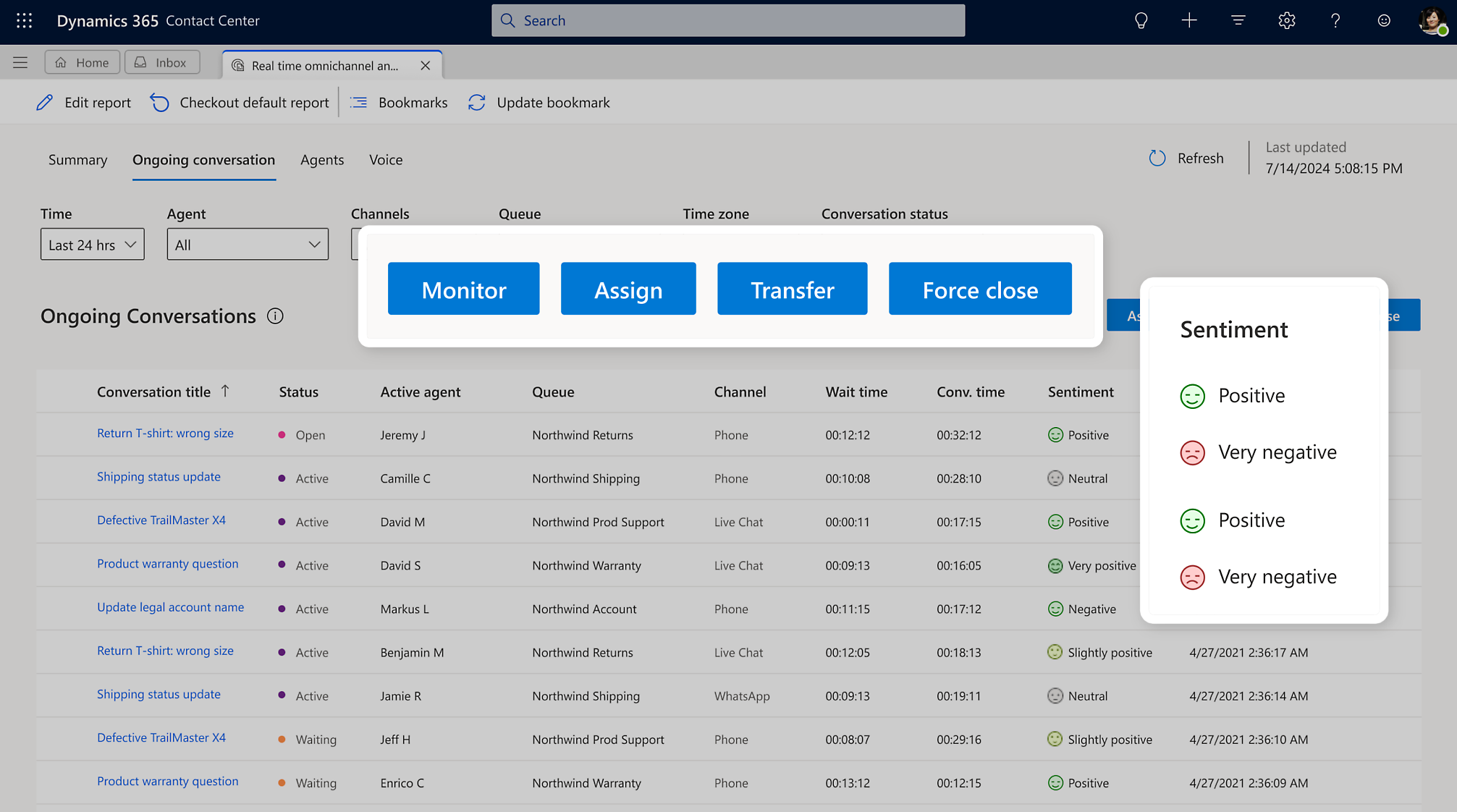
Supervisor insight
Review conversations, performance measures and operational dashboards.
Spot where teams need support.
Feature details
- Review ongoing conversations and queue activity.
- Use configured supervisor tools to support the team.
 Enlarge screenshot

From features to everyday work
Help your team move the conversation forward.
Customers move between channels. Representatives need the right context when they take over. The starting point is a conversation flow that preserves useful information and gives people a clear route to help.
Voice and digital channels
Manage customer conversations across supported voice and digital channels.
Help customers engage through the channels you offer.
Unified routing
Route conversations using configured work classification, skills and capacity.
Connect requests with appropriate assistance.
Self-service
Design voice and digital self-service experiences using supported agent capabilities.
Provide a useful first response and handoff path.
Existing CRM integration
Connect contact-centre experiences with your current CRM through an assessed integration.
Modernise engagement without assuming a CRM replacement.
A closer look
More ways to make it useful.
Explore the capabilities behind the screens, including where data and configuration matter.
Voice menus and conversation context
Configure voice menus and routing for the service journey. Transcription and translation capabilities depend on supported languages, channels, licensing and environment configuration.
Operational reporting
Review queue demand, waiting times and service activity in the available dashboards. Agree which measures should guide staffing and process improvements.
Telephony, channel availability, AI consumption and integrations need a specific licensing and architecture review. Compatibility with a particular CRM must be assessed.
Take it further.
Explore the related solutions and services that support this work.

Case management and customer service
Explore how conversations connect with the work needed to resolve an issue.
Related solutions
Self-Service and Customer Portals
Consider how self-service fits into the wider support experience.
Related solutions
System Integration
Explore connections with the CRM and business systems you already use.
Related solutionsQuestions & next steps.
How Nemely can help
Before you start
- List the channels, countries and telephony arrangements you need.
- Review the CRM integration and required customer context.
- Define self-service boundaries, human handoff and operating measures.
Product questions
Do we have to replace our existing CRM?
Not necessarily. Microsoft provides an architecture for Contact Center with an existing CRM. The required integration and customer context need assessment.
Does it replace Dynamics 365 Customer Service?
They address different needs. Contact Center handles conversations and contact-centre operations; Customer Service adds case, knowledge and service-process capabilities. Your requirements determine the combination.
Can customers move from self-service to a person?
Human handoff can be designed into the service experience. The routing rules, transferred context and team availability need to be defined as part of the solution.