Nemely — CRM starts with us.

What are you looking for?

Browse all pages

A Nemely product / CRM Alerts

CRM Alerts. Act while it matters.

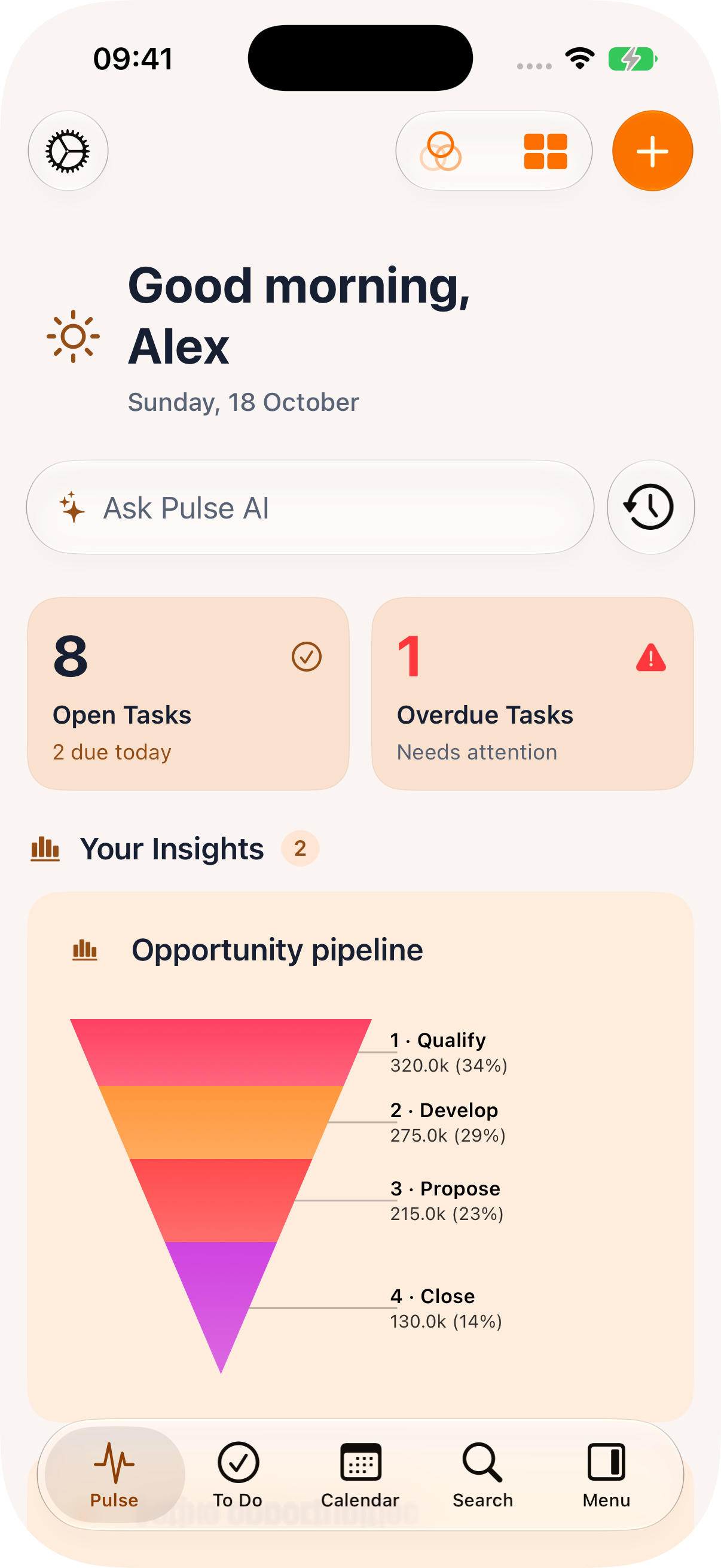
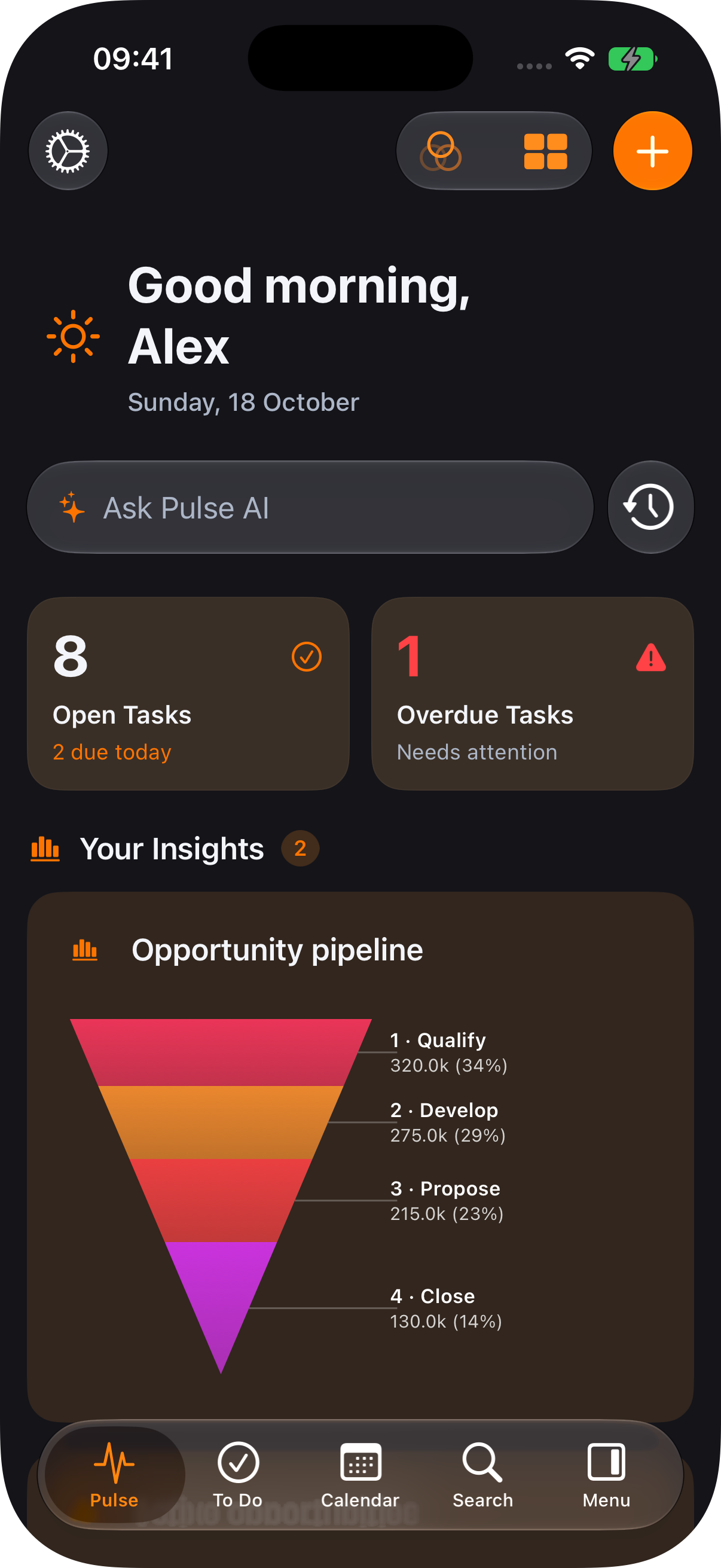
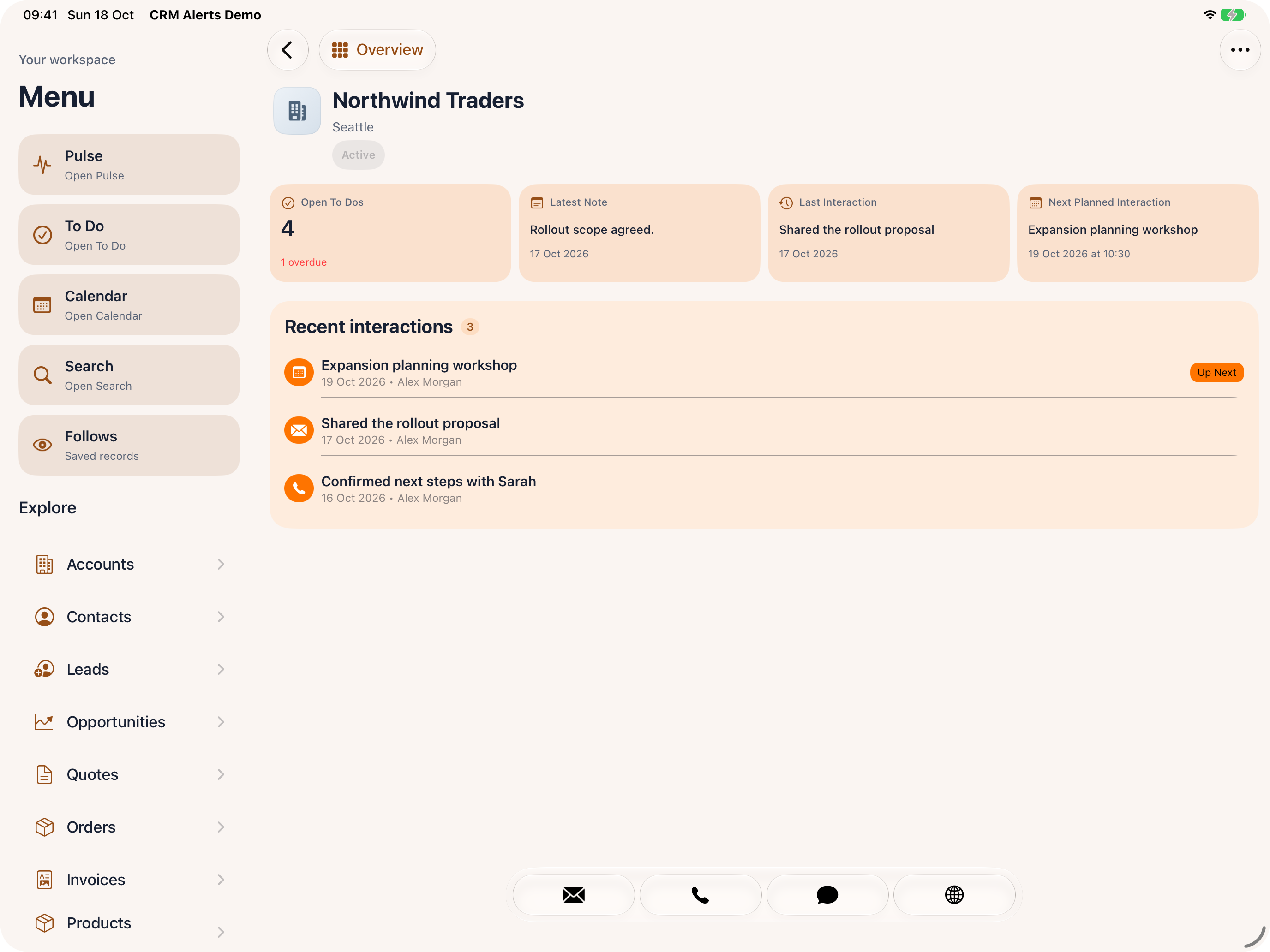
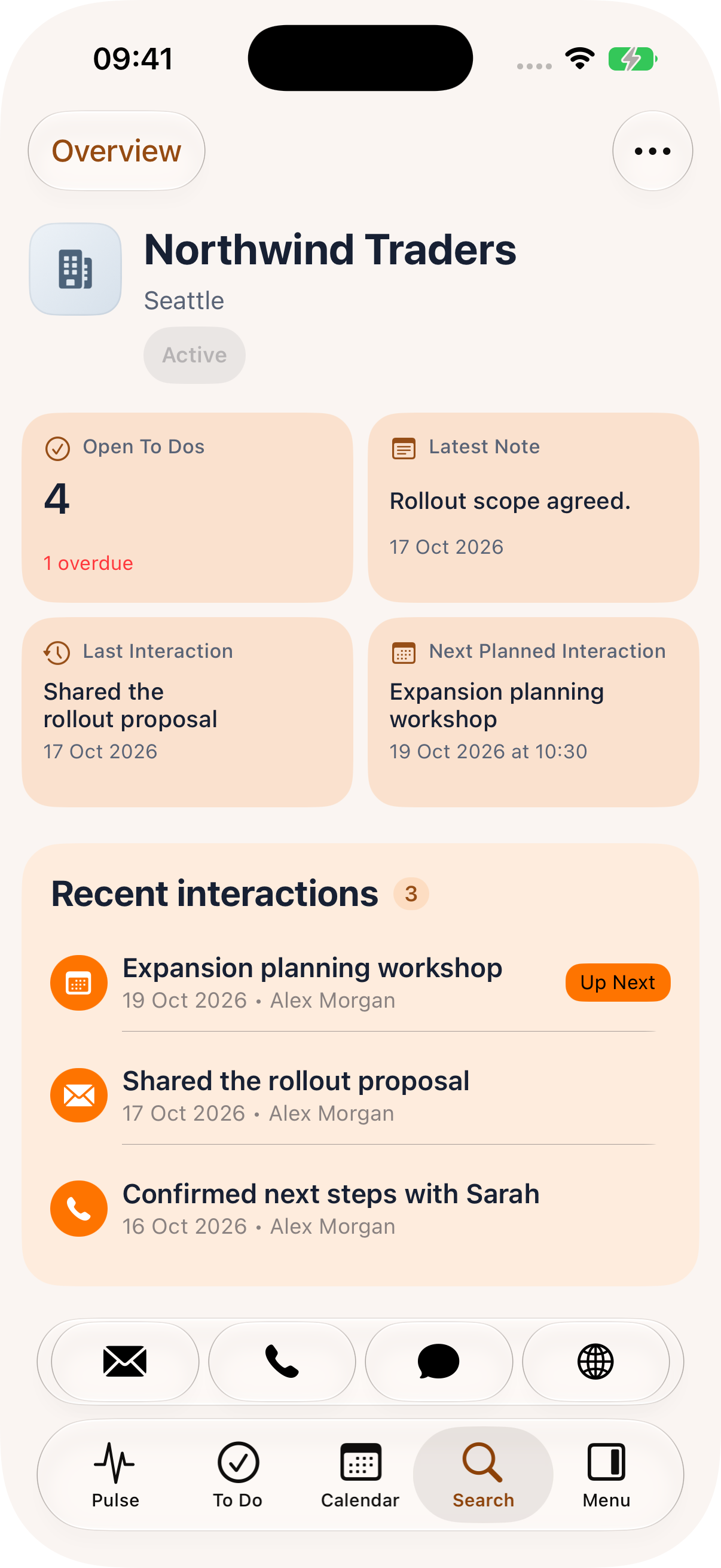
CRM Alerts is Nemely’s mobile CRM app for Microsoft Dynamics 365 and Power Platform. Receive configured notifications, approve requests and capture customer follow-up on iOS and Android.

Built on Microsoft. Developed by Nemely.

A woman in a navy jacket using a smartphone in a bright lobby

A few organizations we've worked with

Mobile CRM built by Nemely

From customer context to the next useful action.

When customer work takes you away from your desk, an approval or meeting update can easily wait until later. CRM Alerts puts relevant information and actions within reach on your phone.

It is designed for sales representatives, account managers, approvers and customer teams. Review customer context, respond to a request or capture the next action while you are working with the information.

The app works with a supporting CRM solution and your customer configuration. Nemely helps you choose the records, notifications and actions each role needs, with access and setup agreed for your environment.

A connected mobile workflow
CRM Alerts

Know the context

  • Customers, contacts and appointments
  • Requests, links and documents

Take action

  • Respond, approve or add a comment
  • Capture notes and create follow-up

Keep work connected

  • Return responses to the CRM process
  • Share current information with colleagues

Illustration of a configured mobile workflow. Available information and actions depend on your CRM setup and user access.

What it adds

Make the moment useful.

Respond while it matters

Bring important events and approval requests to the responsible person, with the context they need to decide what happens next.

Make customer time count

Prepare close to the meeting, find contact details and start follow-up while the conversation is fresh.

Give the team better information

Capture notes, customer changes and agreed actions nearer to the interaction, so colleagues can continue with clearer context.

What you can do with CRM Alerts

Customer work, within reach.

Explore six areas of mobile work. In the demo, we can help identify which capabilities fit your team and what needs to be configured.

Turn alerts into responsesBring a relevant business event together with a useful next action.
  • Configure push notifications for events such as a new lead, customer case or request needing attention.
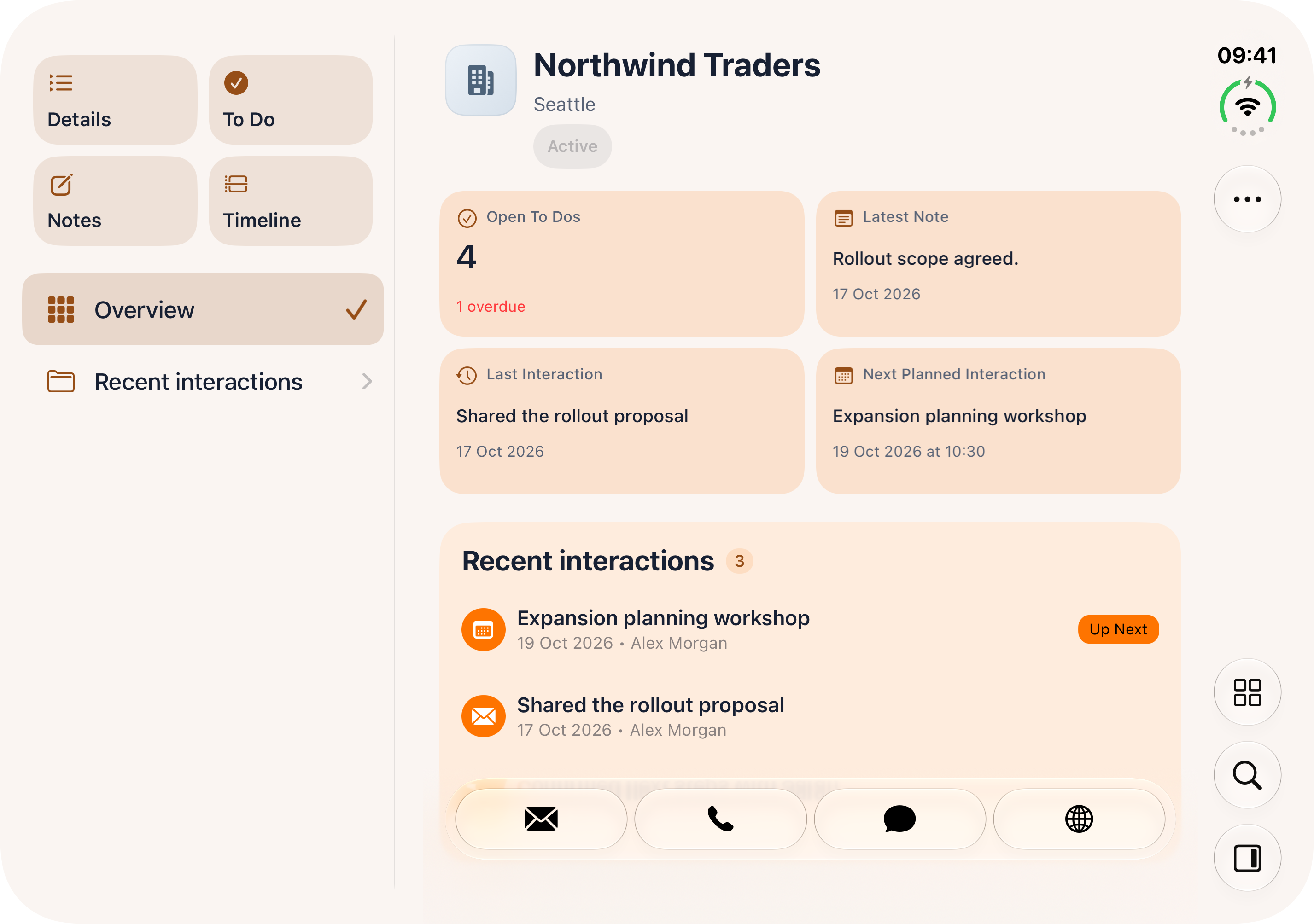
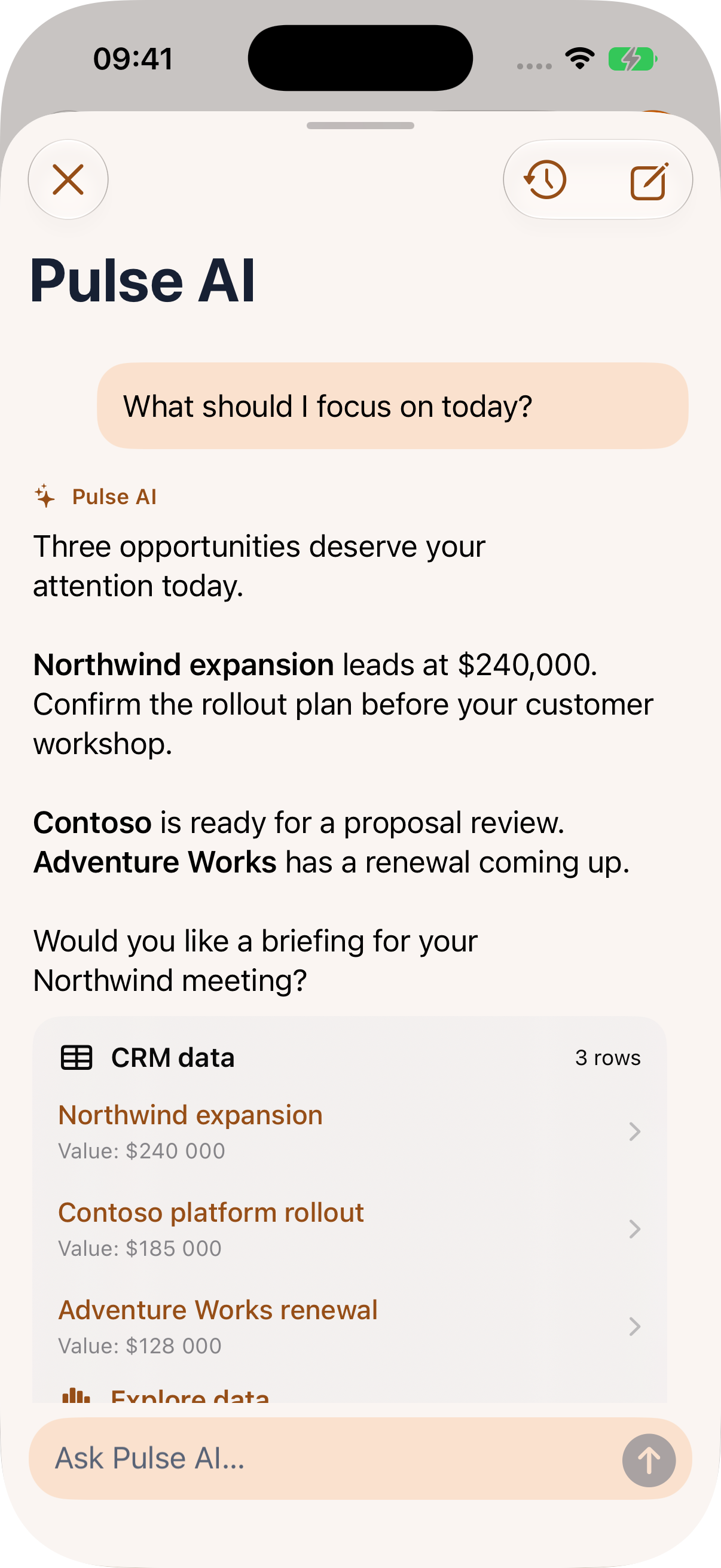
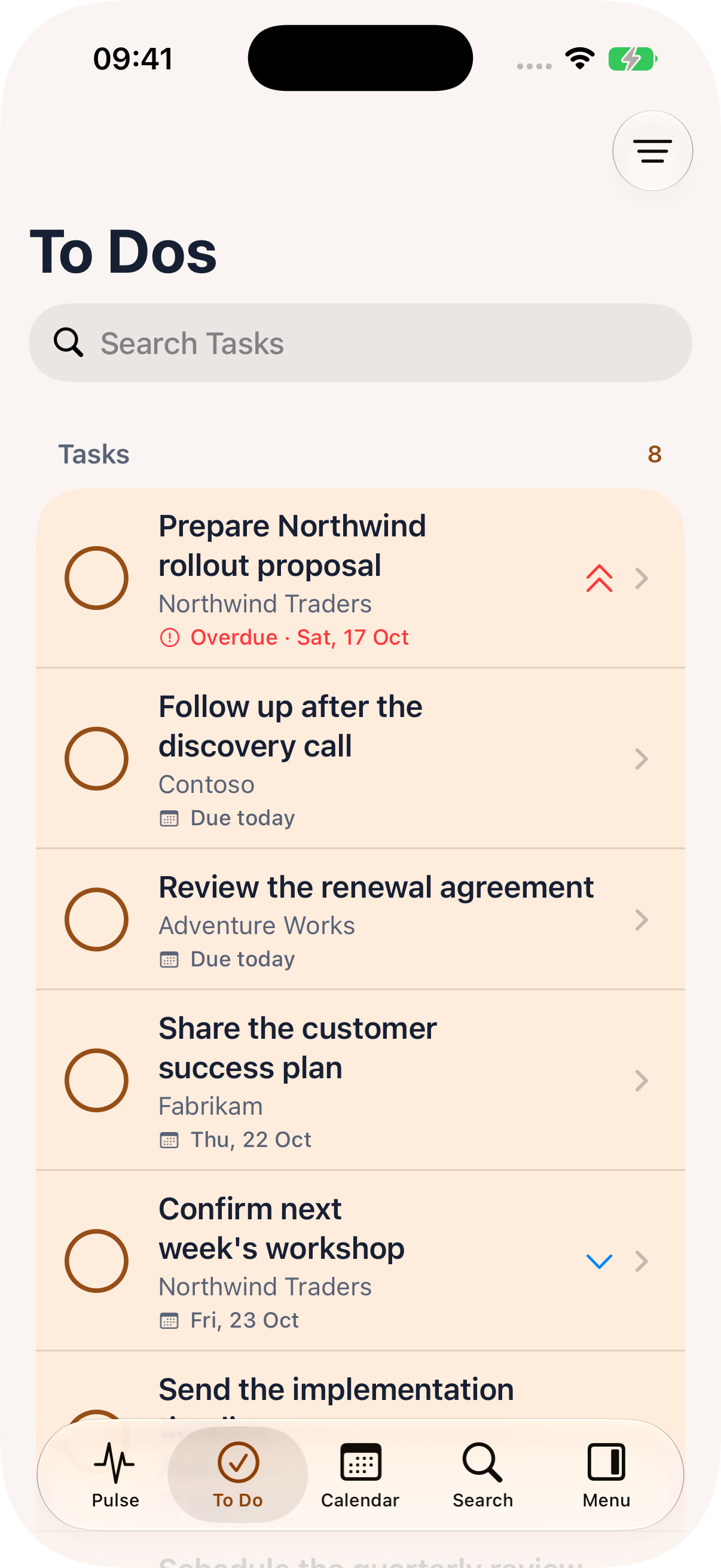
  • Include supporting information, links and attachments so recipients can review the context.
  • Capture a response or comment and return it to the configured CRM process.
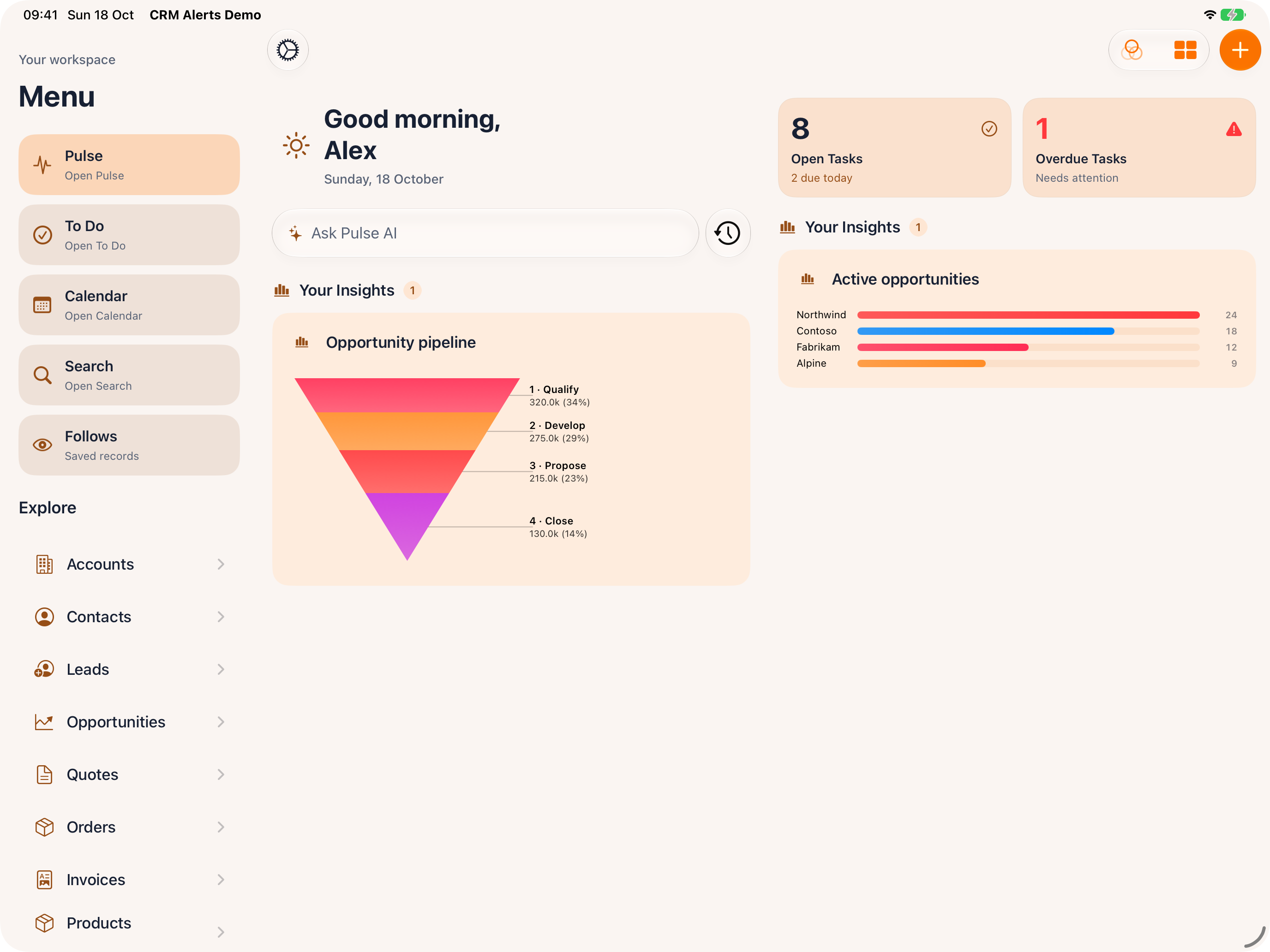
  • Support mobile approval and rejection, including quote review with an attached quotation PDF.
Prepare for the customer conversationKeep the appointment, the customer and the next step connected.
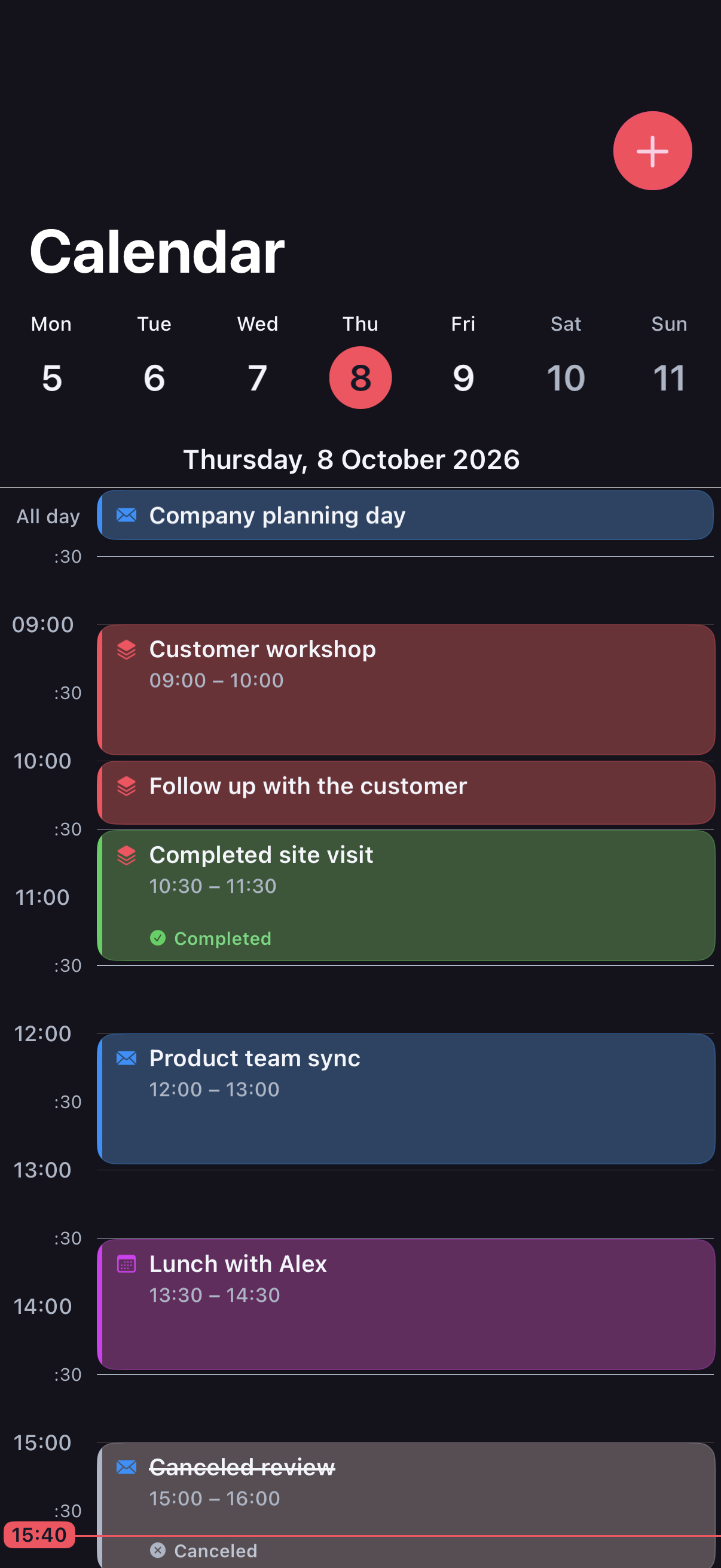
  • Review appointments, agendas, participants and available customer background before arrival.
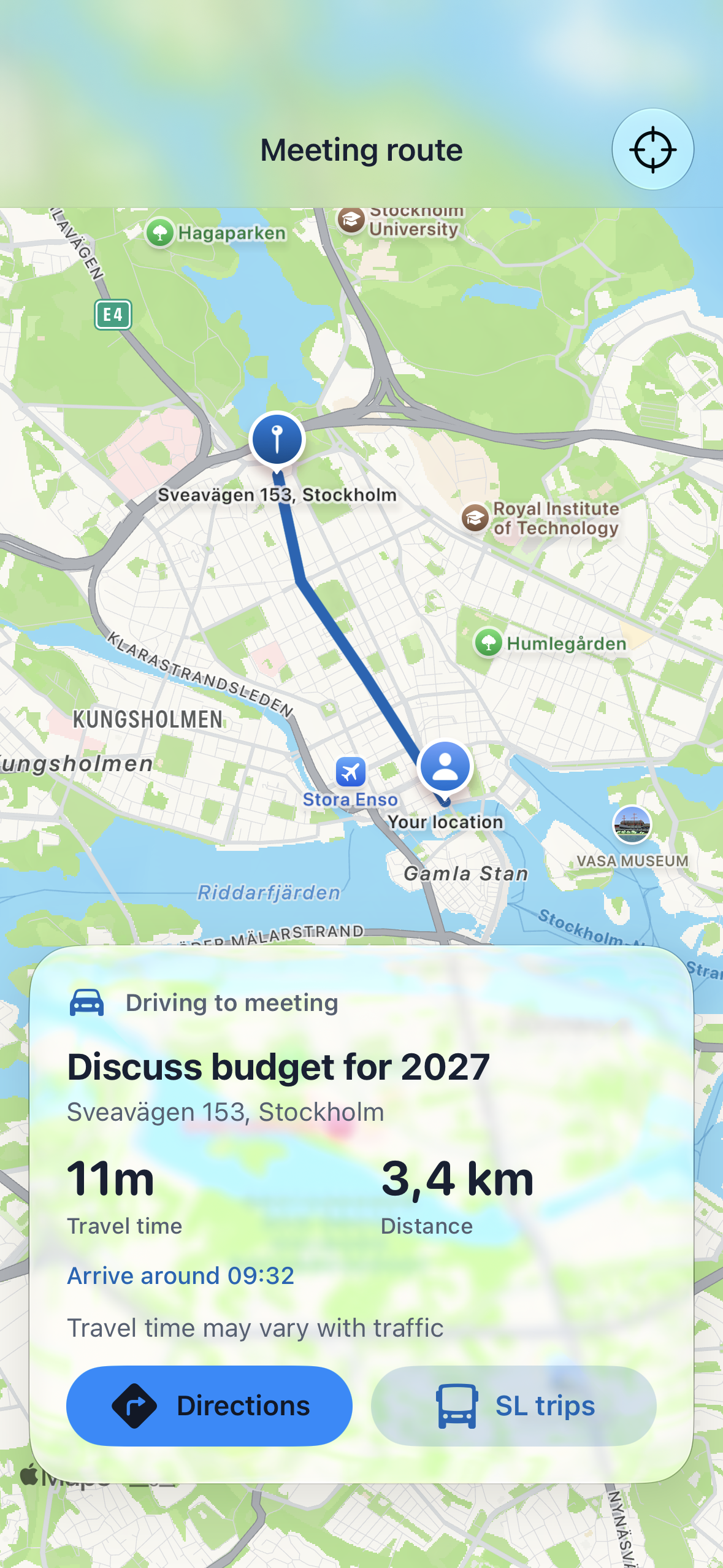
  • Use calendar and Outlook-related appointment workflows alongside maps and directions.
  • Capture meeting notes, set reminders and create follow-up tasks from the meeting context.
Capture the detail while it is freshMake customer information useful beyond the person who captured it.
  • Type or dictate notes, and add photos or files where supported.
  • Use contact information to call, message or email from the mobile experience.
  • Use supported caller identification and call-information prompts. Phone handling, dictation and sharing vary by operating system and device permissions.
Keep customers and opportunities movingFind the relationship context and update it during the working day.
  • Search for customers and contacts, with map-based views to help locate nearby customers.
  • Record customer and contact changes when you learn about them.
  • Access opportunity and case information, updates and common actions according to your customer configuration and user responsibilities.
Make follow-up and visit reporting consistentCombine clear tasks with structured information for the processes that need it.
  • Create tasks from customer and meeting context, then manage ongoing activities on mobile.
  • Configure forms and visit reports with templates, questions and response records in Dataverse.
  • Use required questions where configured to support complete reporting. Form, lookup and validation scope is confirmed for your deployed solution.
Add the context your team needsSelect useful extensions around a specific customer workflow.
  • Access sales literature and support document sending through a configured GetAccept integration.
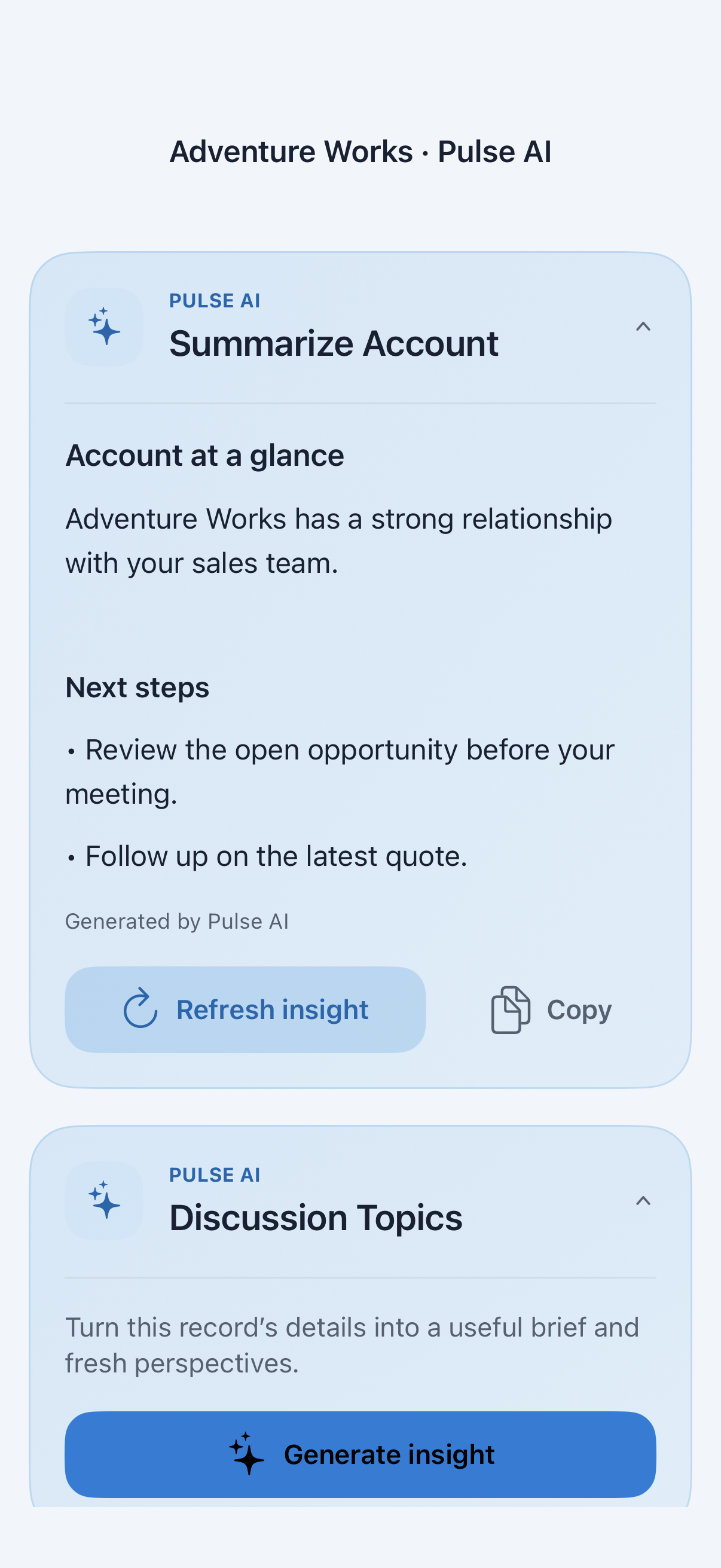
  • Bring company information and AI-assisted insights into preparation through the configured Goava service. Users review the information before relying on it.
  • Make goals and progress visible with supported displays, widgets and celebratory experiences.
  • Confirm third-party services, licenses and configuration separately, and validate device-specific features on iOS and Android.

A quote approval in practice

Keep the decision connected to the deal.

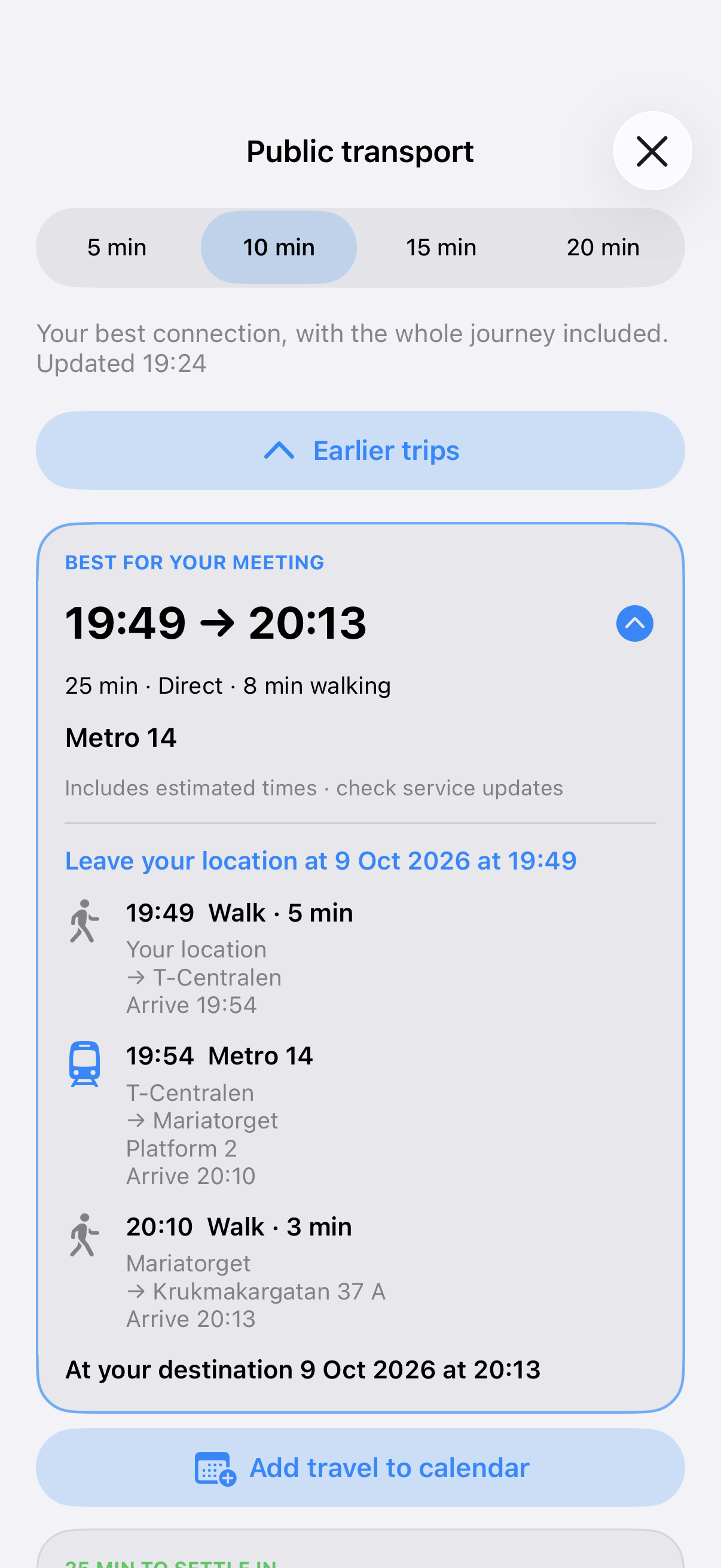
A quotation is ready, but the representative needs a decision before continuing. CRM Alerts can bring the request, the evidence and the response into one configured mobile approval journey.

  1. Send the request

    The representative submits the quotation for review. The configured workflow notifies the designated approver with the relevant information and quotation document.

  2. Review and respond

    The approver reads the supporting detail, approves or rejects the request and adds a comment, without waiting to return to a desk.

  3. Continue with a clear outcome

    The response returns to CRM so the team can proceed or make the requested changes. Routing, thresholds, escalation and authorization follow your agreed process.

Before, during and after the visit

A prepared conversation. A recorded next step.

Before an account review, check the appointment, participants and customer background. Use the available calendar and map experience to connect the schedule with the visit ahead.

Afterwards, capture what mattered, what was agreed and who owns the next action. Add a note or relevant photo and create the follow-up task while the detail is still fresh.

At the next team discussion, colleagues have a clearer record of the conversation and commitment. Agree a simple meeting standard so the information supports the next customer interaction.

A man with glasses and a backpack using his phone outdoors in autumn

Your Microsoft environment. Your mobile workflows.

Start with a workflow your team needs.

Nemely reviews your supporting CRM solution and agrees the records, actions, notifications, forms, integrations and access settings needed for the workflows you choose.

Begin with a frequent workflow such as quote approval or meeting follow-up. Test representative iOS and Android devices, prepare users with real scenarios and review a focused pilot before expanding. Rollout activities and timing are agreed for your scope.

Measure approval response time, timely meeting capture, follow-up completion or required visit information against your own baseline. Use feedback to improve the workflow as well as adoption.

Product and configuration overview
CRM Alerts by Nemely

Microsoft environment

  • Dynamics 365 and Power Platform
  • Supporting CRM solution and configured access

Mobile customer work

  • iOS and Android apps
  • Agreed records, notifications and actions

Selected extensions

  • Configured forms and visit reporting
  • Optional connected services such as GetAccept and Goava

Illustrative setup. Deployment scope, permissions, integrations and platform-specific behavior are agreed and tested for your environment.

FAQs

Find the fit for your mobile team.

Use the demo to check a real customer workflow, understand the setup and discuss the subscription and licensing requirements for your team.

What is CRM Alerts, and who is it for?

CRM Alerts is Nemely’s mobile CRM app for Microsoft Dynamics 365 and Power Platform, available for iOS and Android. It is designed for sales representatives, account managers, approvers and customer teams working away from their desks. Bring customer information, configured notifications, approval responses, notes and follow-up actions into the same mobile workflow.

Does CRM Alerts work with Dynamics 365 and Power Platform?

Yes. CRM Alerts extends Microsoft Dynamics 365 and Power Platform with a mobile experience. The apps work with a supporting CRM solution and customer configuration. Nemely reviews your environment, records, workflows and access requirements to establish the implementation scope.

Is CRM Alerts available for iOS and Android?

Yes, CRM Alerts is available for both iOS and Android. The exact experience can differ by operating system, device, permissions and deployed version. We validate your selected workflows, including notifications, phone-related features and widgets, on representative devices during rollout.

How do push notifications and mobile quote approvals work?

Push notifications can be configured around relevant CRM events, with supporting information and response actions. For a quote approval, the approver reviews the request and document, responds and adds a comment from the mobile app. Approval thresholds, routing, escalation and authorization are agreed as part of your CRM process.

Can CRM Alerts support visit forms and third-party integrations?

Configured forms and visit reporting can support structured mobile information capture, with scope confirmed for your deployed solution. GetAccept document sending and Goava company context are optional connected experiences; services, licensing and setup are assessed separately. Users must review AI-assisted Goava information before relying on it.

How Nemely plans system integrations

What will the demo cover, and how is setup scoped?

Bring a workflow such as quote approval or customer meeting follow-up. We review product fit, your users, devices and CRM setup. Configuration, rollout support, subscription and Microsoft or third-party licensing requirements are confirmed in the proposal. Timing depends on the agreed scope; a focused pilot can help validate the selected workflows before expanding.

How Nemely plans CRM implementation

Your next step

See CRM Alerts in the context of your team’s day.

Tell us how your team uses CRM away from the desk. We can walk through a relevant workflow and discuss fit, configuration and the next steps for a rollout.

Book a CRM Alerts demo
Stefan Christiansson, CEO & Solutions Architect at Nemely, beside a blue-framed window with a city backdrop
Stefan ChristianssonCEO & Solutions Architect

Get resource