

























Nemely — CRM starts with us.

What are you looking for?

Browse all pages

Customer service

Help customers move forward on their own terms.

Give customers a clear place to find answers, submit a request and follow its progress. Nemely designs Microsoft Power Pages portals around the tasks people need to finish, connected to the teams and data behind your service.

A business owner using a tablet to review a request in her shop office
Microsoft Power PagesDataverse

A few organizations we've worked with

A helpful front door to your service.

Make common tasks easy to complete, and make it equally clear what happens when a customer needs more help.

Customer experience

A useful portal starts with one reason to visit.

Tracking an open case, finding an instruction or supplying missing information can each be a valuable starting point. We research the customer’s task and remove unnecessary steps before deciding how much of the wider service process belongs online.

Plan your customer portal
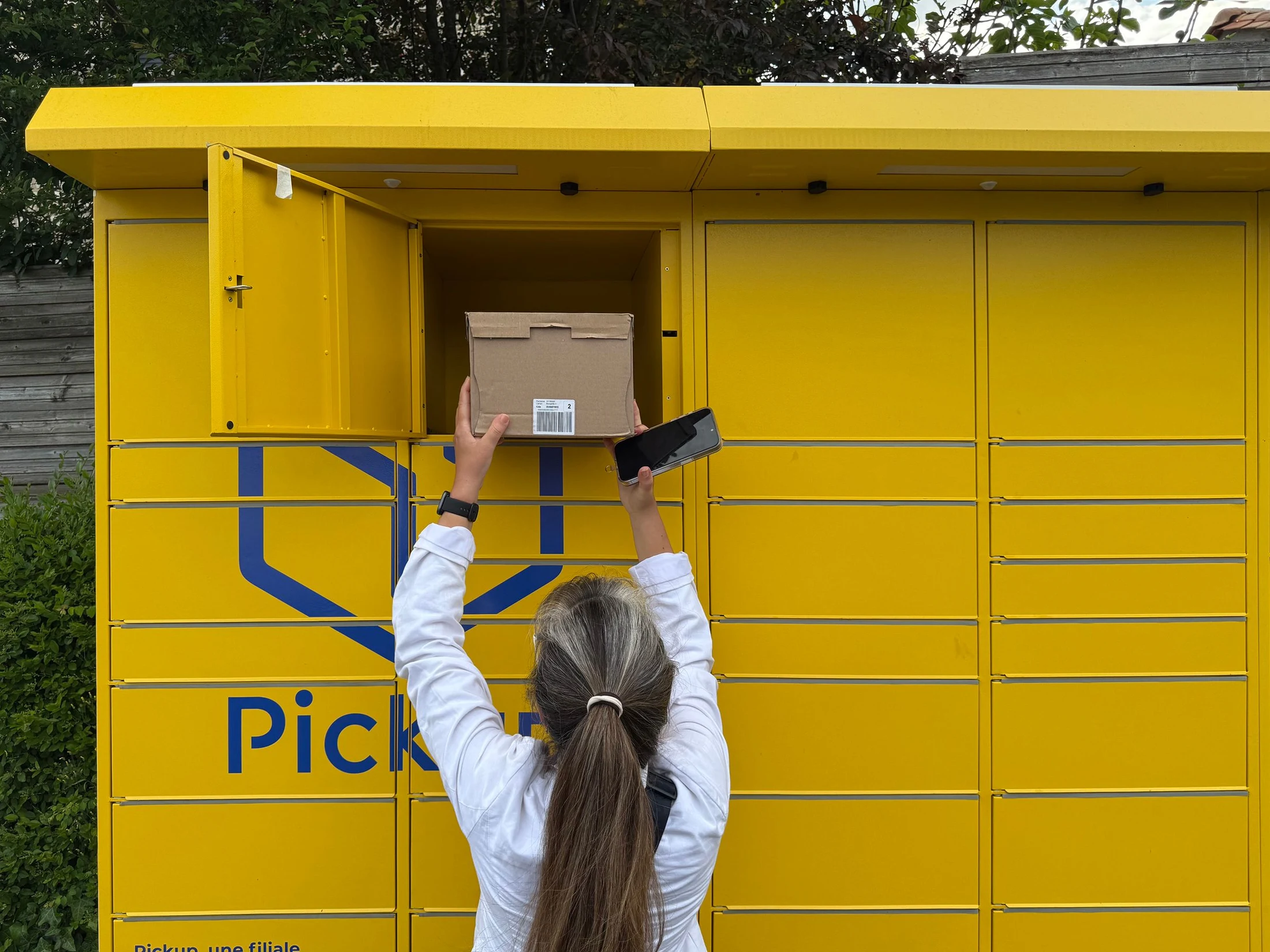
Customer concentrating on a task at a laptop in a quiet café

Microsoft Power Pages

A request should lead somewhere.

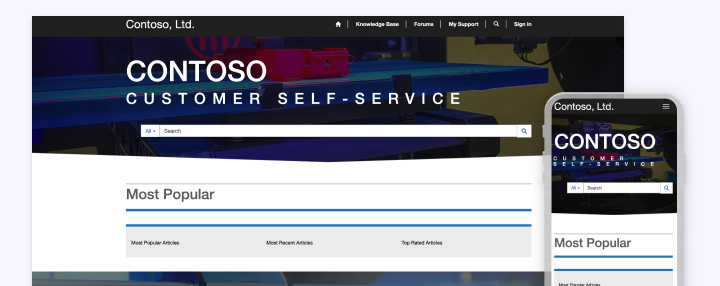
Microsoft’s customer self-service template illustrates how knowledge and support resources can sit alongside case progress. We use the right Power Pages starting point for your requirements, then design the forms, content and business-system connection around a clear response from your organisation.

  • Confirm that a submission has been received.
  • Show only the status information that helps the customer.
Explore portal implementation
Microsoft customer self-service template displayed on desktop and mobile

Official Power Pages customer self-service template example. This demonstrates a starting point for knowledge and support; Nemely designs your portal around your brand and selected tasks.

Microsoft Learn · customer portal template

Access and human support

Make access feel simple. Keep ownership clear.

A portal connects external users to business information. We define identity, web roles and record access before exposing data, and test the complete experience with different customer accounts. A visible route to support helps people recover when sign-in or self-service does not solve the problem.

  • Decide who can see and update each record.
  • Rehearse registration and account recovery.
  • Pass unresolved requests to a named support queue.
Discuss portal support and ownership
Support professional helping a customer during an online conversation

How Nemely helps

Launch a task customers can finish.

We connect customer experience, permissions and back-office response so a polished form is backed by a working service.

Pre-Study and Business CaseCRM ImplementationSupport

Observe the customer task

Review the questions customers ask today and the steps needed to answer them. Pick a useful first journey with clear completion criteria.

Connect and validate access

Design forms and data connections, then test record permissions, error messages and the service-team response to each submission.

Measure and maintain

Review task completion and reasons for escalation. Assign owners for knowledge, portal content and the requests entering your business.

FAQs

Your questions, answered.

Will the portal use our branding?

The portal can be designed around your brand and the needs of your users. The Microsoft template shown is a functional reference; we choose the build approach after assessing your requirements and the customisation constraints of available templates.

Can customers see information about other customers?

The intended access model must prevent that. Power Pages access is configured through identity, web roles and table permissions. We verify the actual record visibility with different customer accounts before launch, including attempts to reach records outside the permitted scope.

Do we need a chatbot to provide self-service?

No. Clear knowledge articles, well-designed forms and useful status information can be enough for the first release. Conversational assistance can be evaluated later when it helps customers complete an identified task and there is a workable handover to support.

What affects the cost and timeline of a customer portal?

The customer tasks, identity and permissions model, forms, documents and system connections determine the scope. We review platform licensing and expected usage, then agree accessibility, security testing and content ownership. Launch planning includes the support route for customers who cannot complete a task.

Which customer task should we offer first?

Start with a frequent, well-defined request such as checking a case or providing missing information. Confirm that the underlying records are reliable and someone owns the response. Test the complete journey with representative customers before adding more tasks.

Explore the Microsoft capabilities

Explore the Microsoft capabilities

Build for today. Keep a view of what comes next.

Microsoft is moving Dynamics 365, Power Platform and Dataverse updates to the AI at Work roadmap from September 2026. We use the current feature status when planning your solution, and evaluate previews separately before proposing them for production.

Explore Microsoft’s roadmap approach

Capabilities reviewed 8 September 2026. Licensing, configuration, language and regional availability vary by feature.

Your next step

Let’s make your next step concrete.

Tell Stefan which task your customers should be able to complete online. We can explore the portal experience and the service process that needs to support it.

Contact us
Stefan Christiansson, CEO & Solutions Architect at Nemely, beside a blue-framed window with a city backdrop
Stefan ChristianssonCEO & Solutions Architect

Get resource